Find AI memory and turn it on or off
Open AI memory from your profile menu. There you can control whether Mattzen remembers personal preferences and facts.
- Module
- AI memory
- From plan
- All plans
- Role
- Mattzen users
- Time
- 1 minute
Before you start
- You are signed in to Mattzen.
- Your workspace uses Pro or Max.
Step by step
- 1
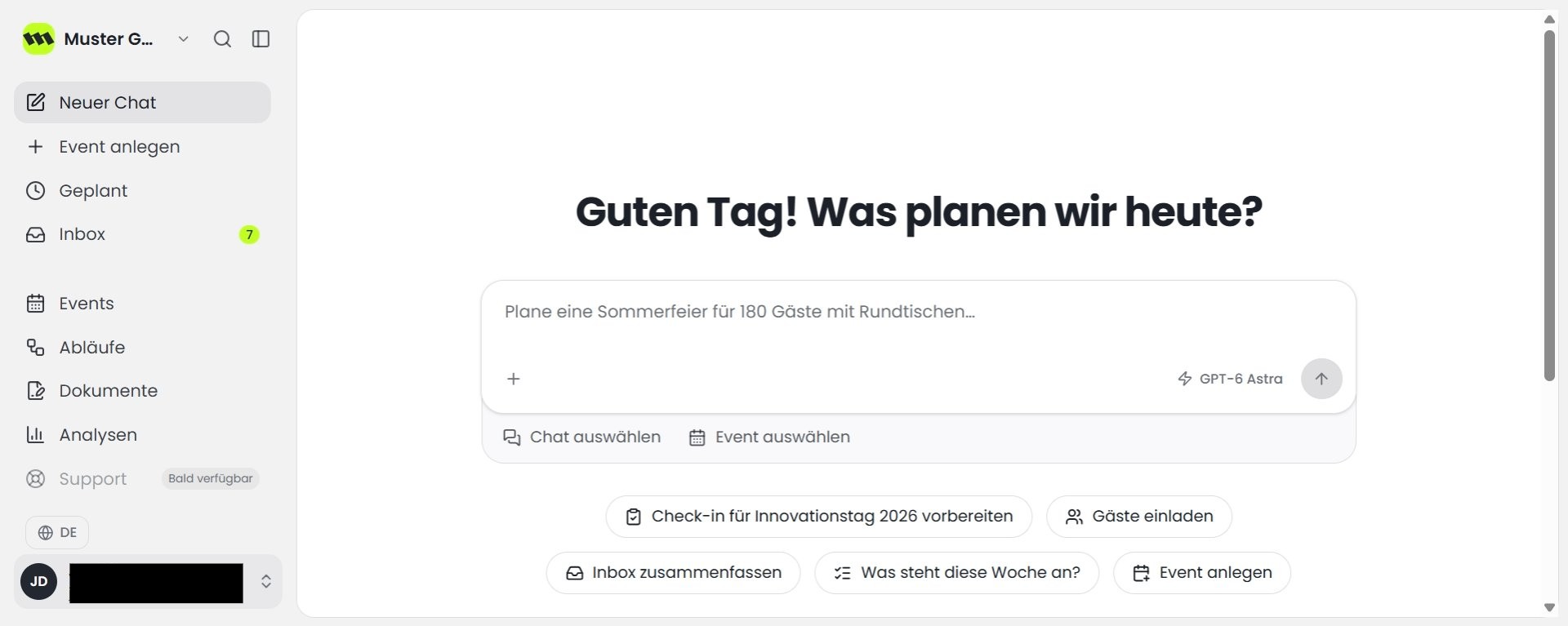
Click your name at the bottom left. This opens your profile menu.
 1
1 - 2
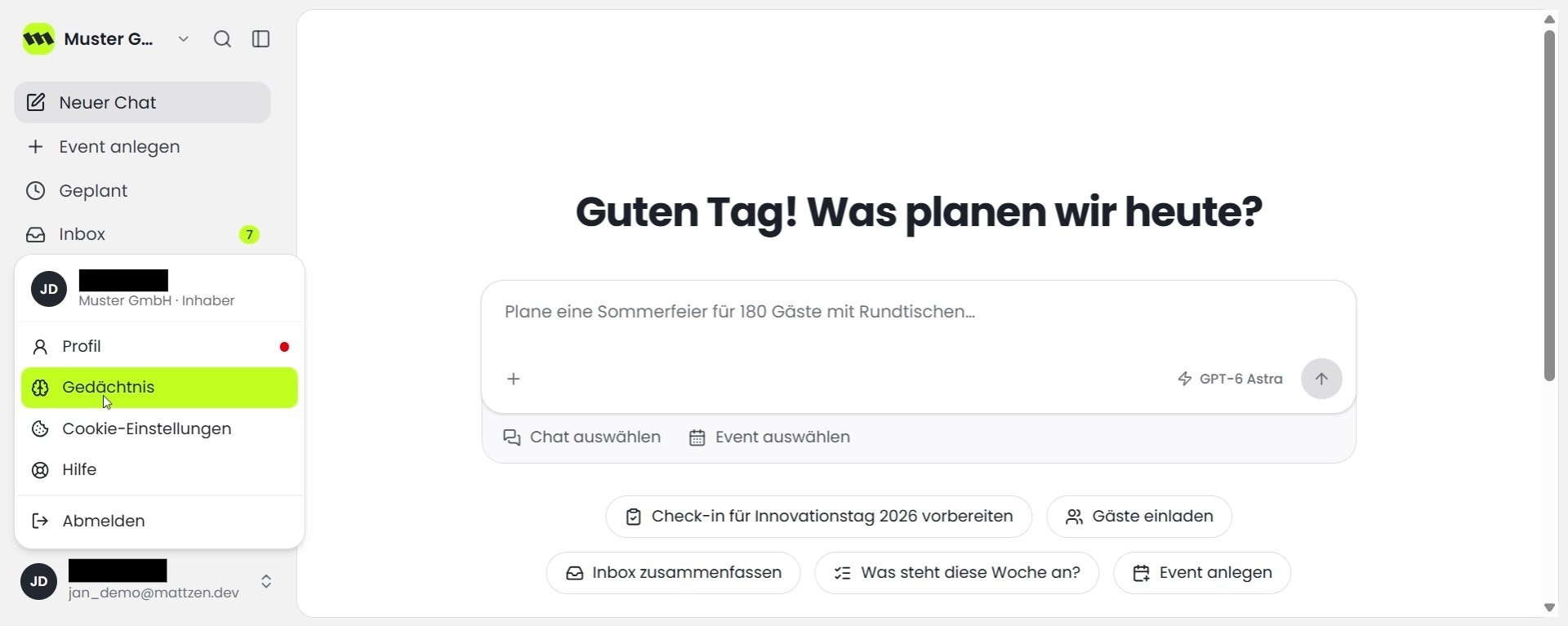
Click Memory. The Memory page opens.
 1
1 - 3
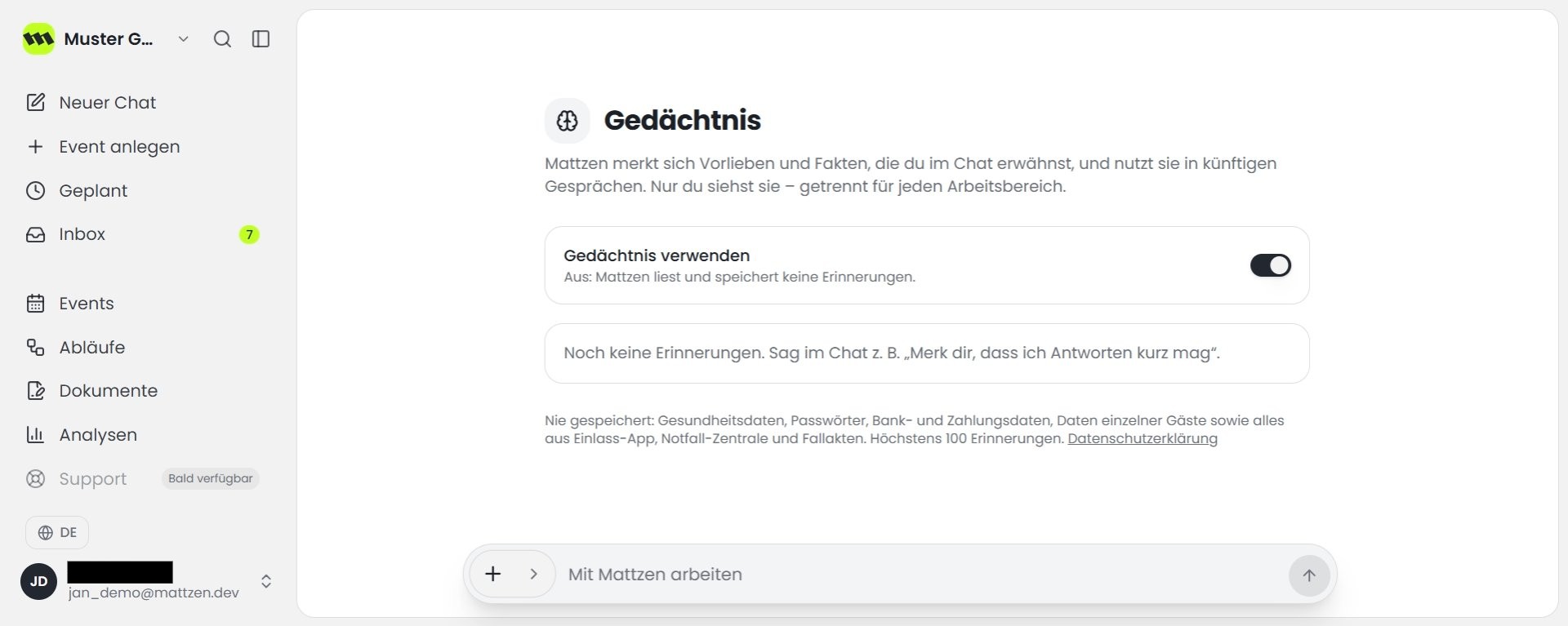
Click the toggle next to “Use memory”. This turns off memory, which is on by default, so Mattzen stops remembering things.
 1
1 - 4
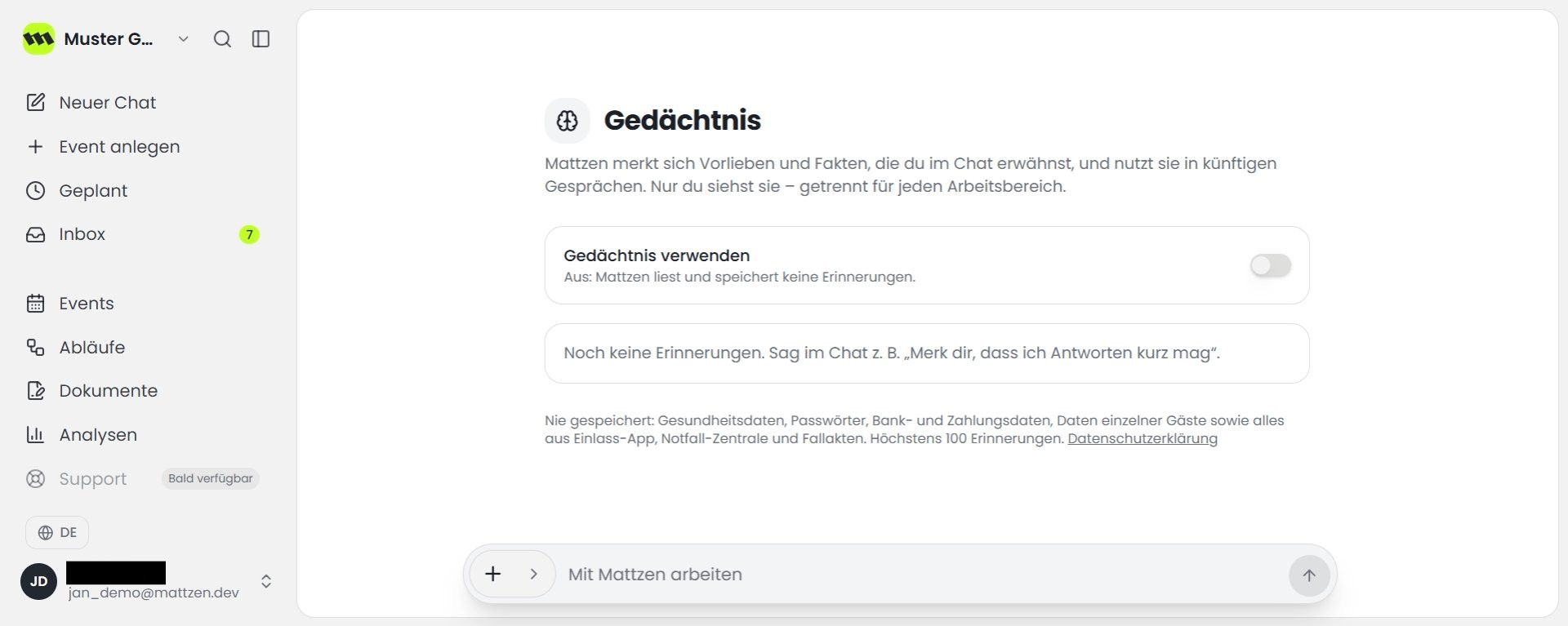
Click the toggle next to “Use memory” again. This turns memory back on so Mattzen remembers important things again.
 1
1
Example
You work at Muster GmbH and want to control whether Mattzen remembers your personal preferences. You open Memory via your name at the bottom left, turn it off and then turn it back on.
Result
You have found AI memory, turned it off and turned it back on. It is now active.
Tips
- Memory only applies to the current workspace.
FAQ
Is AI memory on by default?
Yes. Memory is on by default. If you turn it off, Mattzen stops remembering things.
Who has access to the memory?
The memory only applies to the current workspace. This means no one but you has access to your memory.