Get to know Mattzen AI
Explore the chat window on the dashboard: you can describe what you need and add files, chats, events or tasks as context for Mattzen.
- Module
- Getting started
- From plan
- All plans
- Role
- People who plan and organise events
- Time
- 2 minutes
Before you start
- You have access to your workspace dashboard.
Step by step
- 1
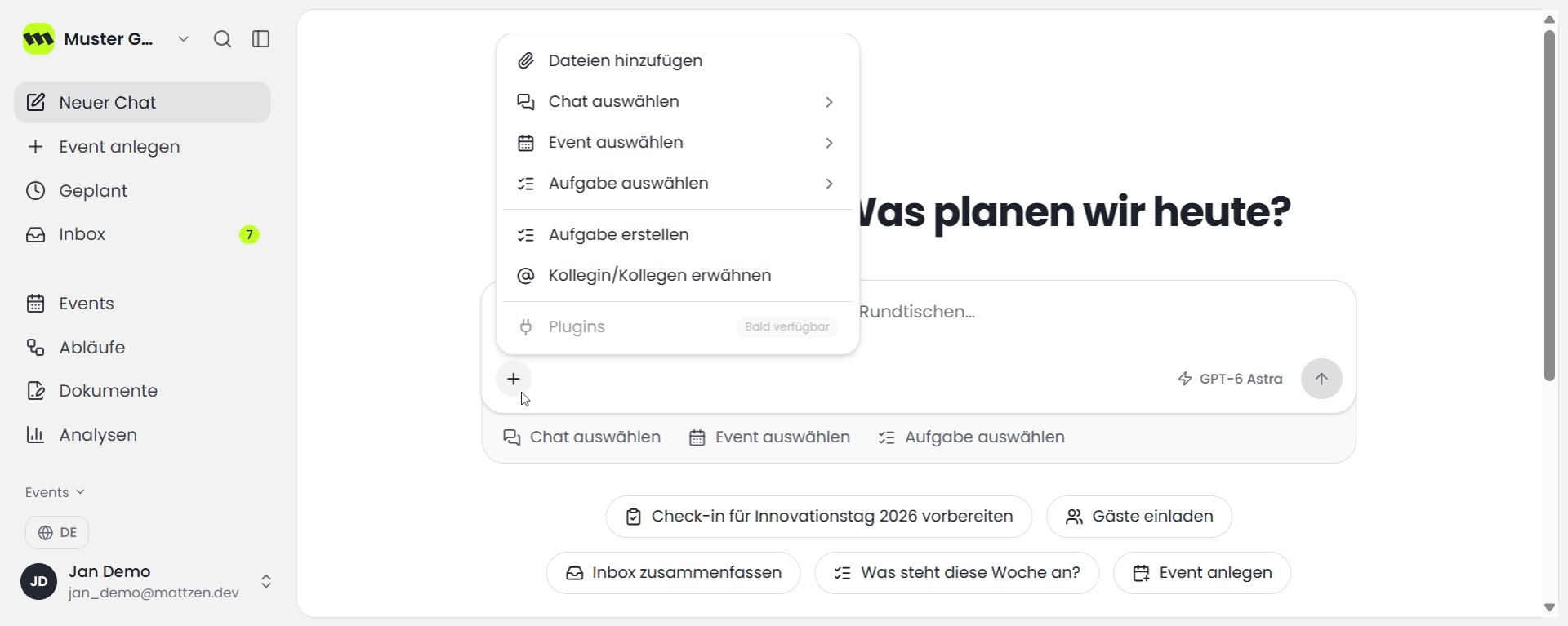
In the centre of the dashboard, you’ll find the main chat window. Here, you can talk to Mattzen to create new events, workflows, documents or analyses. You can also send messages to your team members or create tasks. The + icon in the chat window lets you add files, chats, events and tasks as context, giving Mattzen more information to work with.
 1
1 - 2
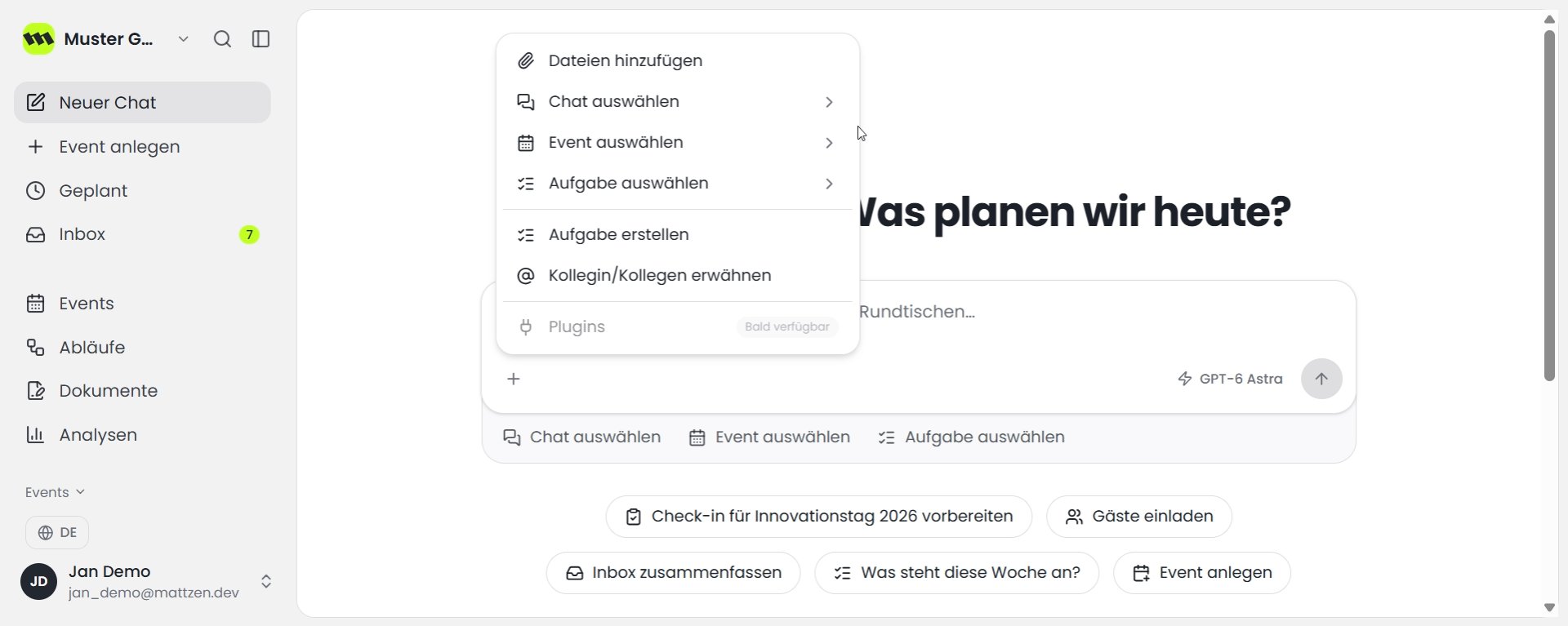
Here you can see the Add files area for files that Mattzen can use as context. Use Select chat to add an existing chat as context. Use Select event to add an event that has already been planned as context. Use Select task to add an existing task as context.
 1
1 - 3
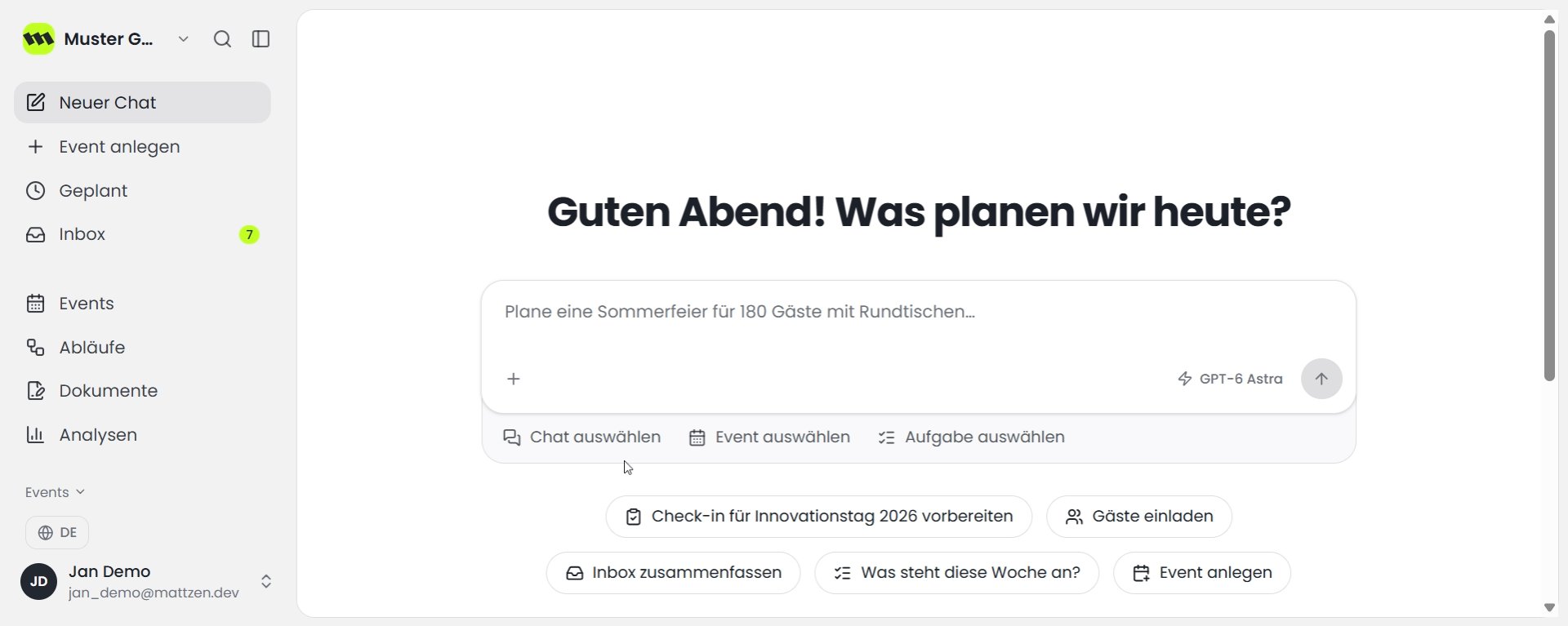
Below the chat window, you can see Select chat as part of the quick selection options. These also include Select event and Select tasks to provide Mattzen with context.
 1
1 - 4
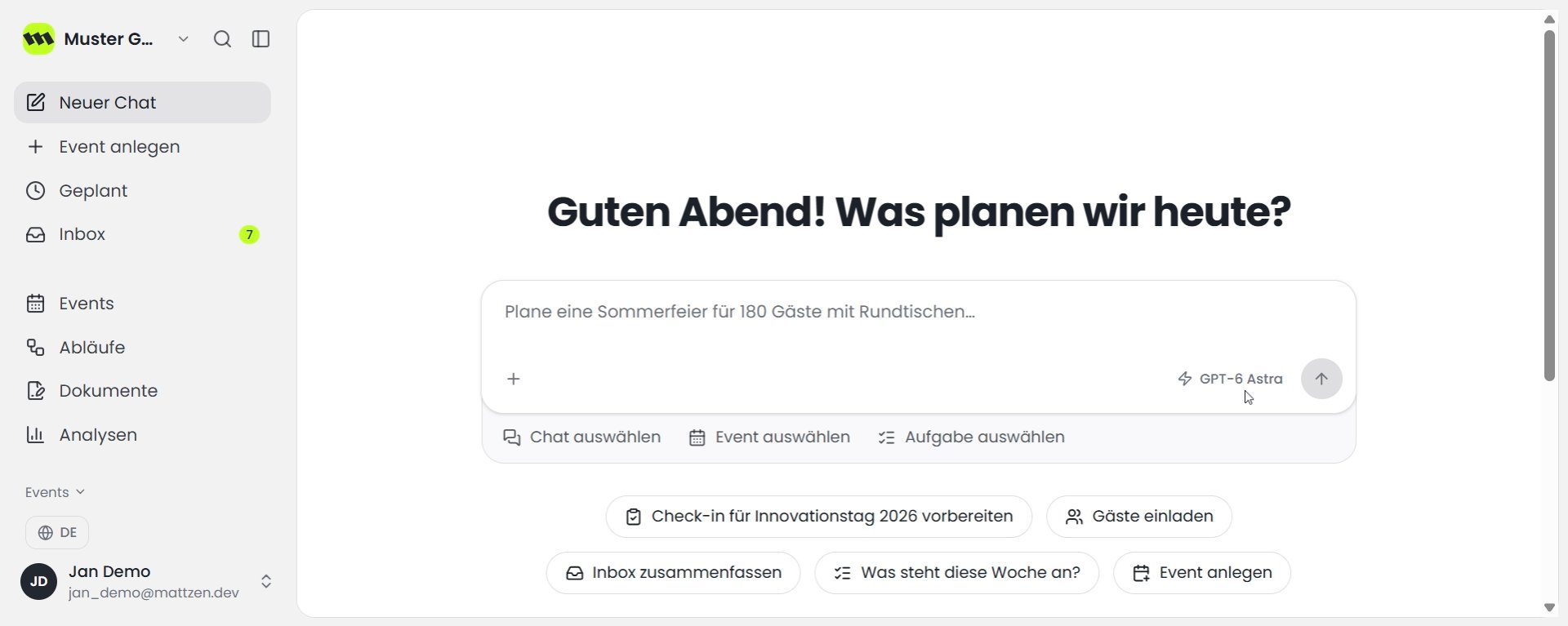
On the right, you can see GPT-6 Astra as the currently selected LLM model.
 1
1
Example
Result
You know where to find the chat window on the dashboard, the options for adding context and the currently selected model.
Tips
- Be specific about what you need in the chat, for example the type of event, the number of guests and the table shape you want.
FAQ
Is Mattzen AI only available on the dashboard?
No. Mattzen AI is also available through the chat bar at the bottom of every page.
Which areas can Mattzen AI not access?
Mattzen AI cannot access the check-in app, the emergency centre or case files.