Getting started with email sending
Prepare your first event invitation by email, check the recipients and start sending through Mattzen.
- Module
- Email sending
- From plan
- All plans
- Role
- Event organiser
- Time
- Approx. 10 minutes
Before you start
- Access to the workspace and the relevant event
- A prepared guest list with email addresses
- Agreed content for your invitation
Step by step
- 1
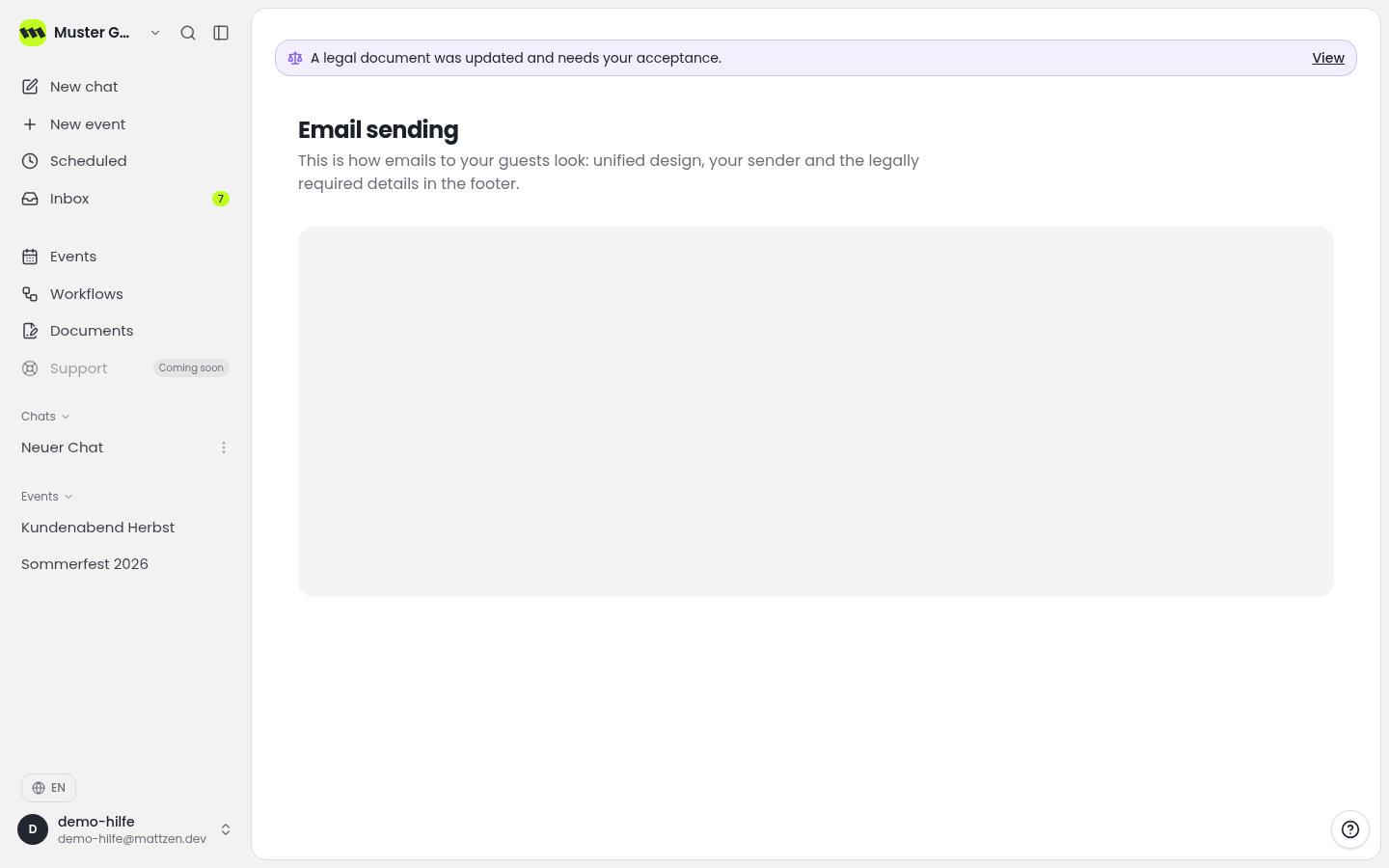
Open your workspace’s email area. Review the information displayed there and address any setup instructions before sending invitations.
- 2
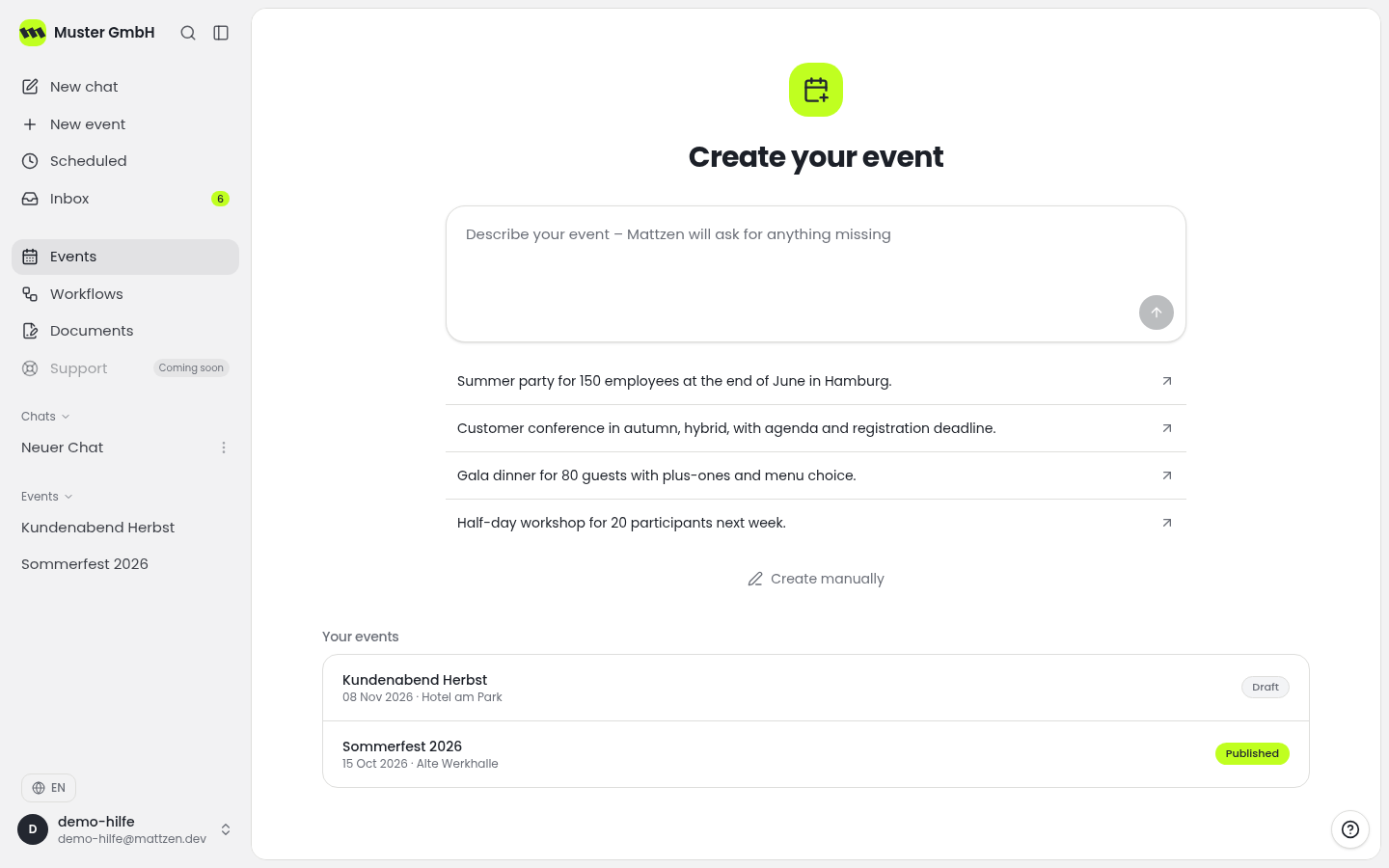
Open the event list and select the event for which you want to send invitations.
 12
12- 1Open Event List
- 2Select Event
- 3
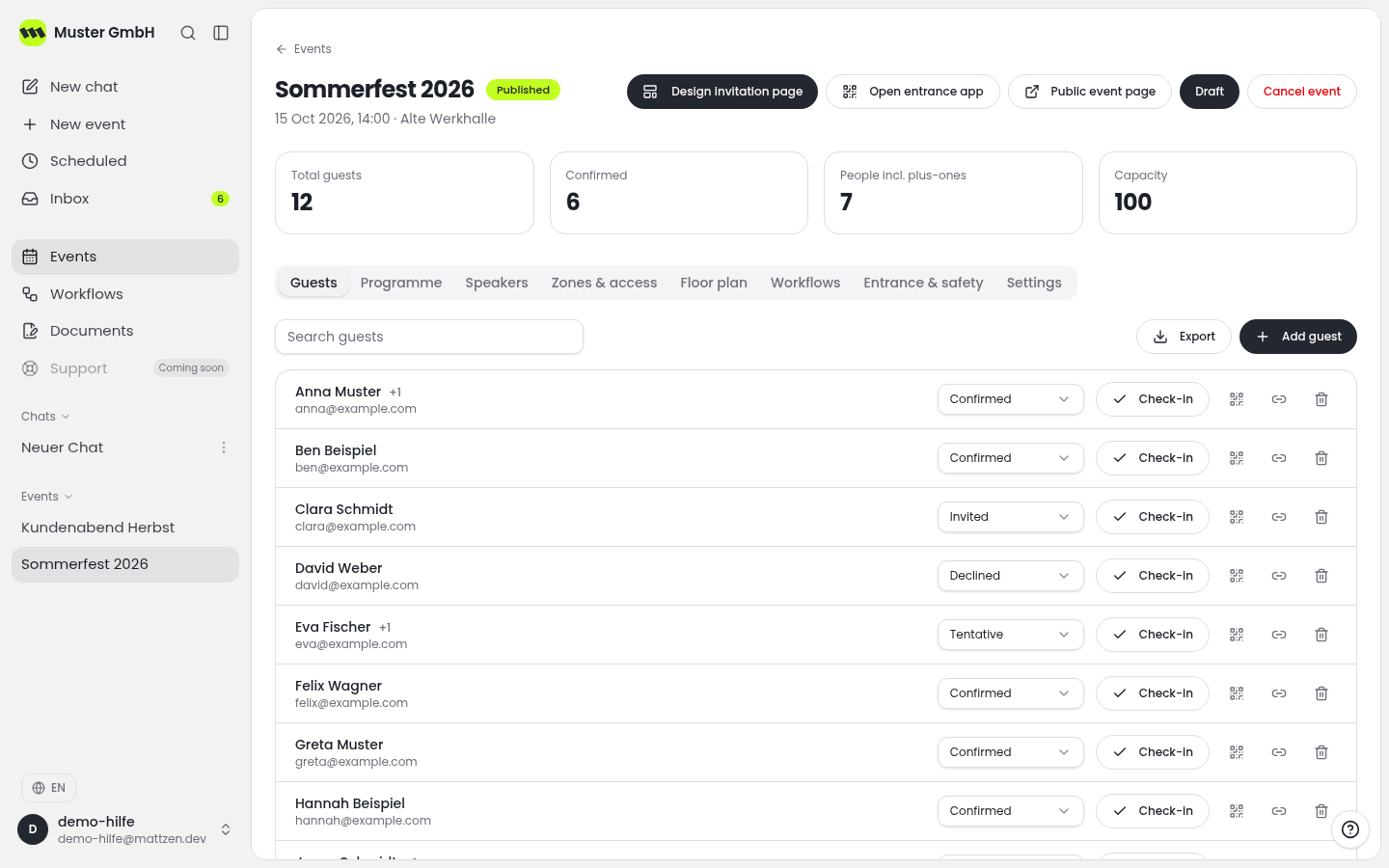
In the event, review the guests who should receive your invitation. In particular, check their email addresses and correct any errors before sending.
 12
12- 1Attendees
- 2Check Names and Email Addresses
- 4
Prepare the invitation using the invitation function available in the event. Check the intended recipients and the details of the occasion, date and venue. If you refer to an event page, also check the link and the information on that page.
123- 1Prepare Invitation
- 2Review Recipient List
- 3Check Event Page
- 5
Start sending only after a final check of the recipients and content. Follow the sending instructions displayed and review any error messages before initiating another send.
Example
Result
You have checked the invitation and its recipients and initiated sending. Starting a send does not mean that every email has reached the recipient’s inbox.
Common problems
Cause: Possible causes include an incorrect email address or the receiving mail service classifying the message as spam.
Solution: Check the saved address and ask the guest to check their spam folder. Where possible, establish the cause before sending again.
Cause: The setup or sending details may still be incomplete.
Solution: Review the instructions displayed in the event and in the workspace’s email area. If you cannot resolve the issue, contact support with the exact error message.
Tips
- Agree the date, venue and response information before sending.
- When sending invitations again, take particular care to check which guests should receive another message.
- Keep the information in the email consistent with any linked event page.
FAQ
What can I use email sending for?
You can send invitations and workflow emails through Mattzen. To get started, focus on an invitation for an event you have already prepared.
Do I need workflows for an event invitation?
This guide covers sending invitations without automated processes. The separate Workflows module provides automated processes with triggers and actions and is available from Pro.
Does starting a send mean the invitation has been delivered?
No. Whether an email arrives and appears in the inbox also depends on the recipient’s address and the receiving mail service.