Getting started with the entrance app
Prepare to use the mobile entrance app. On-site staff use it for QR scanning, guest information, shifts, and team and one-to-one chat.
- Module
- entrance_app
- From plan
- All plans
- Role
- Event organisers and on-site staff
- Time
- Approximately 10 minutes
Before you start
- A workspace on the Pro plan or above.
- An event that has already been created.
- A mobile device and access to the entrance app agreed with the event organisers.
Step by step
- 1
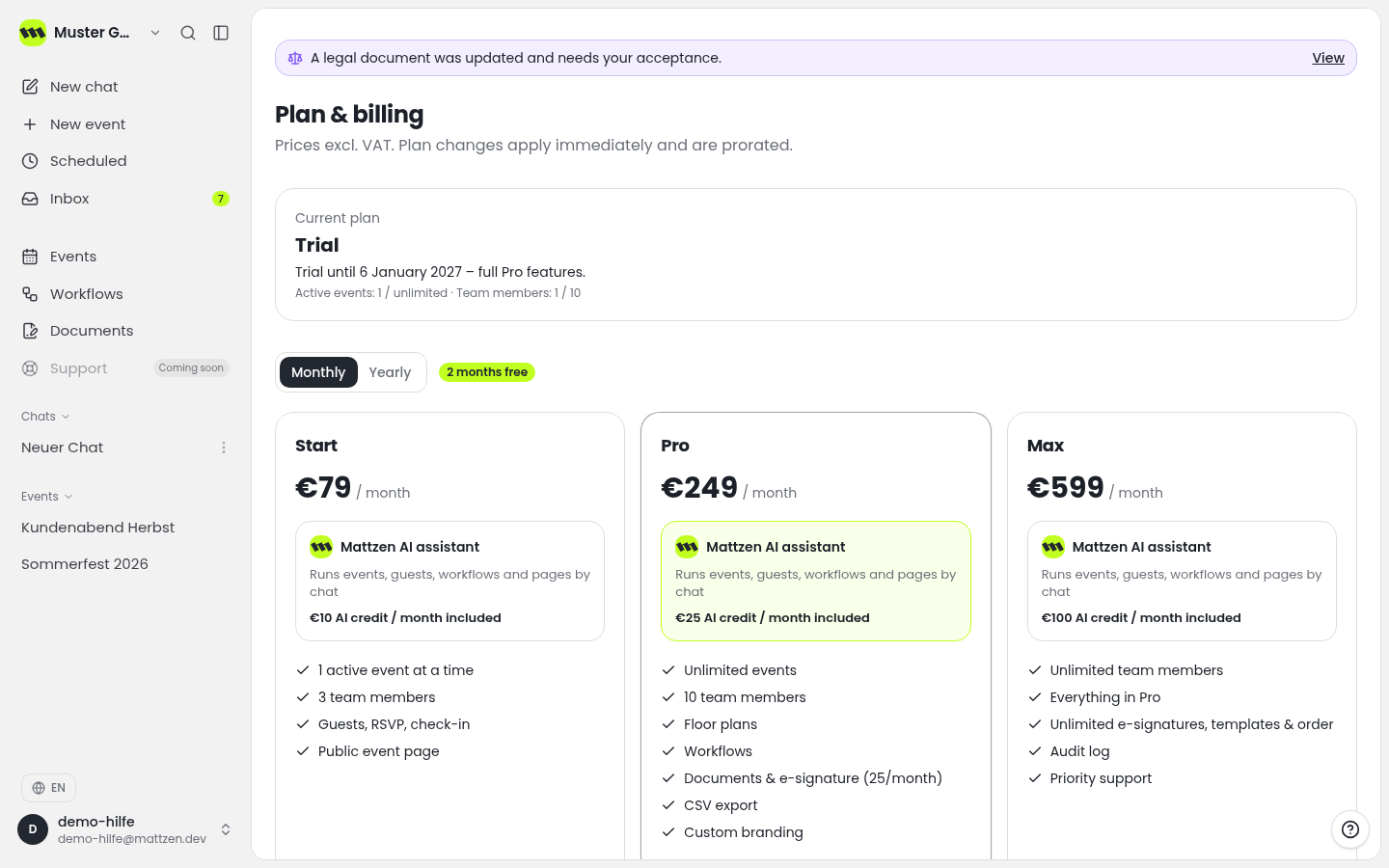
Check the plan overview to confirm that your workspace is on Pro or above. The entrance app is available from Pro. If you cannot access the plan overview, ask your workspace admin.
 1
1 - 2
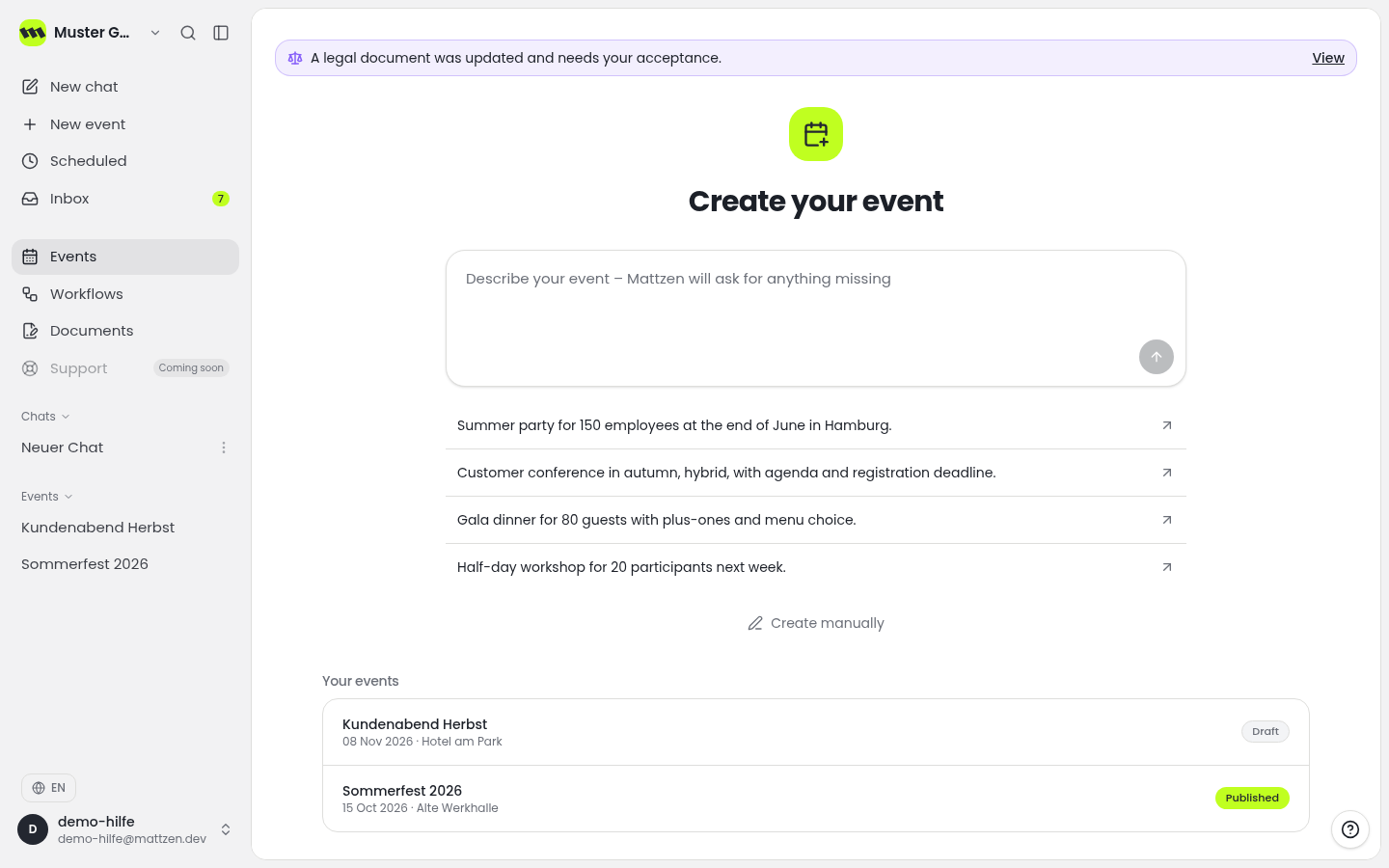
Find the event you are preparing admission for in the event list and open it.
 1
1 - 3
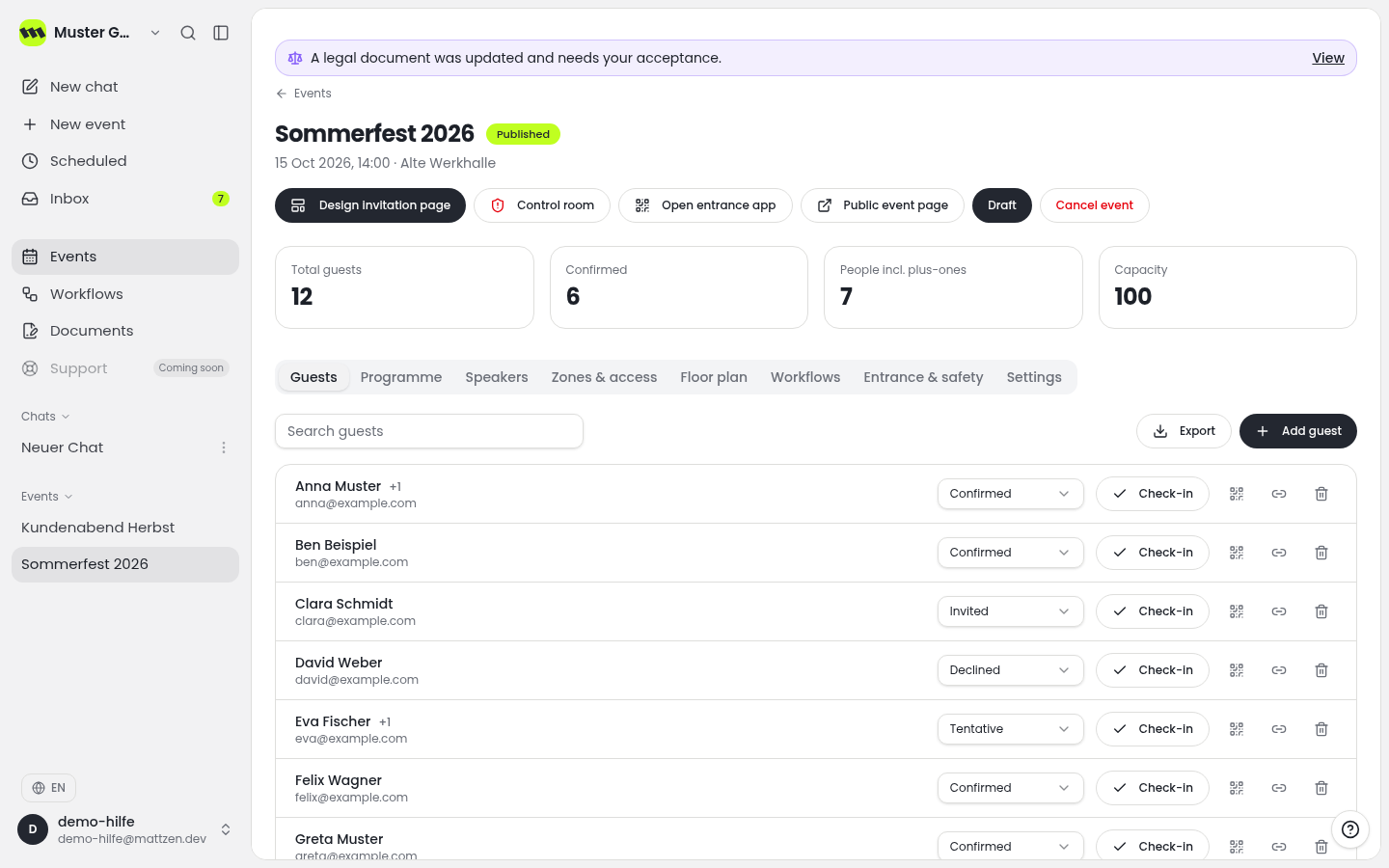
Check the event details to confirm that you have opened the correct event. Use the information recorded there as the basis for your briefing with the on-site team.
 1
1 - 4
During a staff briefing, agree who will work on site, which shifts are planned and whom staff should contact if they have access problems. Also ask for an explanation of how staff are expected to access the entrance app.
- 5
Agree the admission process with your team: use the QR scanner for admission, guest information for enquiries and shifts to keep track of duties. Decide which discussions belong in the team chat and when to use a one-to-one chat.
Example
Result
The organisational requirements have been checked. The team knows the correct event, the planned shifts and how the app's features will be used.
Common problems
Cause: The workspace may not be on the Pro plan or above.
Solution: Check the plan with your workspace admin. The entrance app is available from Pro.
Cause: Access arrangements have not yet been clarified with the event organisers.
Solution: Clarify access with the person responsible before the event. Do not leave this until admission begins.
Tips
- Schedule the staff briefing before admission begins.
- Assign clear responsibilities for QR scanning and guest enquiries.
- Only share guest information in chat that is necessary for the task concerned.
FAQ
Which plan includes the entrance app?
The entrance app is available on Pro and above.
How does the entrance app differ from the check-in module?
The check-in module handles admission using a list or QR code. The entrance app is designed for mobile on-site staff and includes a QR scanner, guest information, shifts, and team and one-to-one chat.
How do I get access to the entrance app?
Ask your event organisers or workspace admin about the access arrangements for your assignment.