Getting started with the Emergency Control Room
Prepare to use the Emergency Control Room: check your plan, agree responsibilities and establish a process for alerts, follow-up questions and major incidents.
- Module
- control_room
- From plan
- All plans
- Role
- Incident coordinator, with a workspace admin if needed
- Time
- Approximately 10 minutes
Before you start
- A workspace on a Pro plan or above.
- An event that has already been created.
- Agreed safety and emergency procedures for your event.
Step by step
- 1
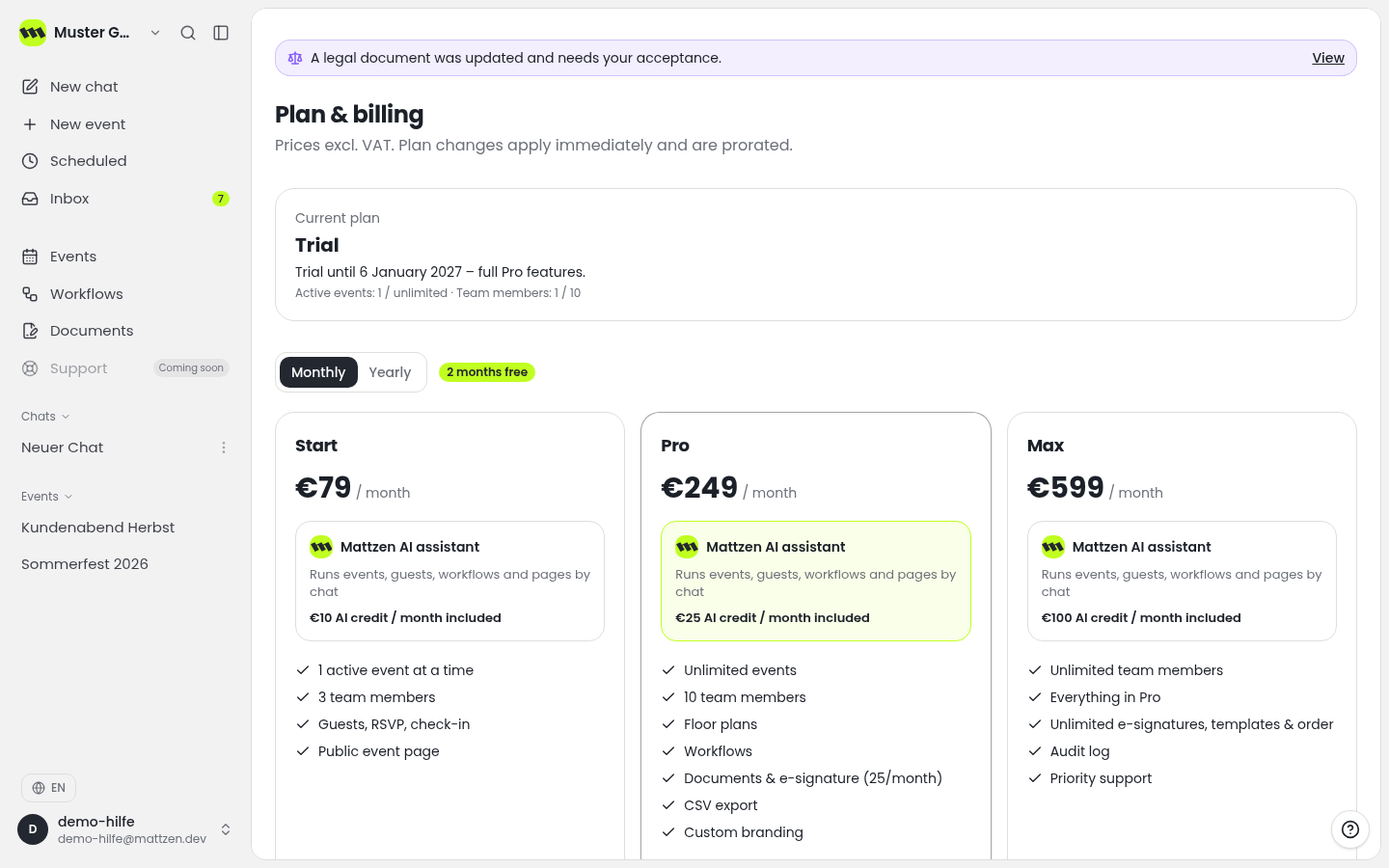
Check the plan overview to confirm that your workspace uses Pro or above. The Emergency Control Room is available from Pro. Contact your workspace admin if you have questions about the plan.
 1
1 - 2
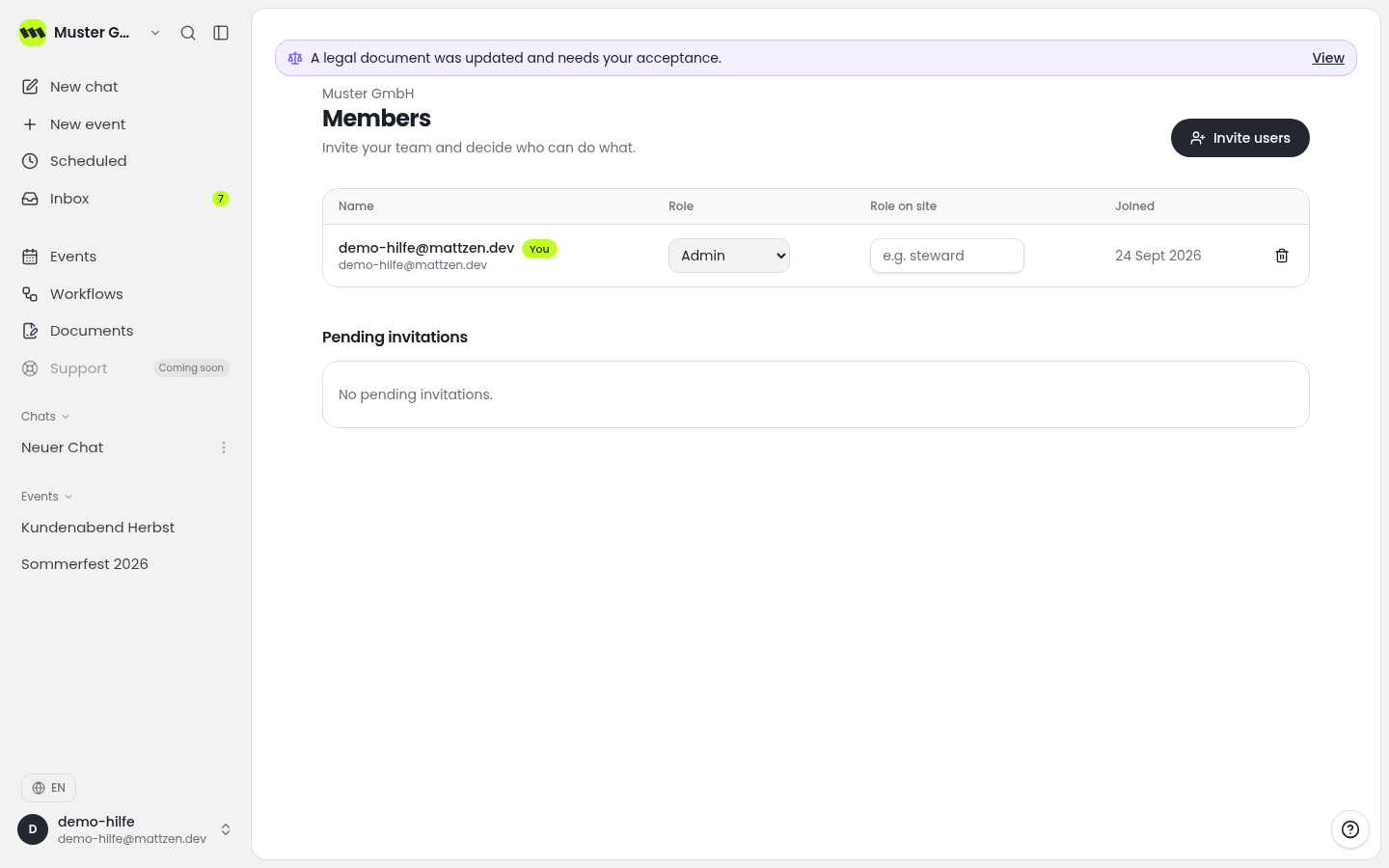
Check the members overview to see who already belongs to the workspace. Use this overview as a basis for agreeing who will be responsible for incident coordination.
 1
1 - 3
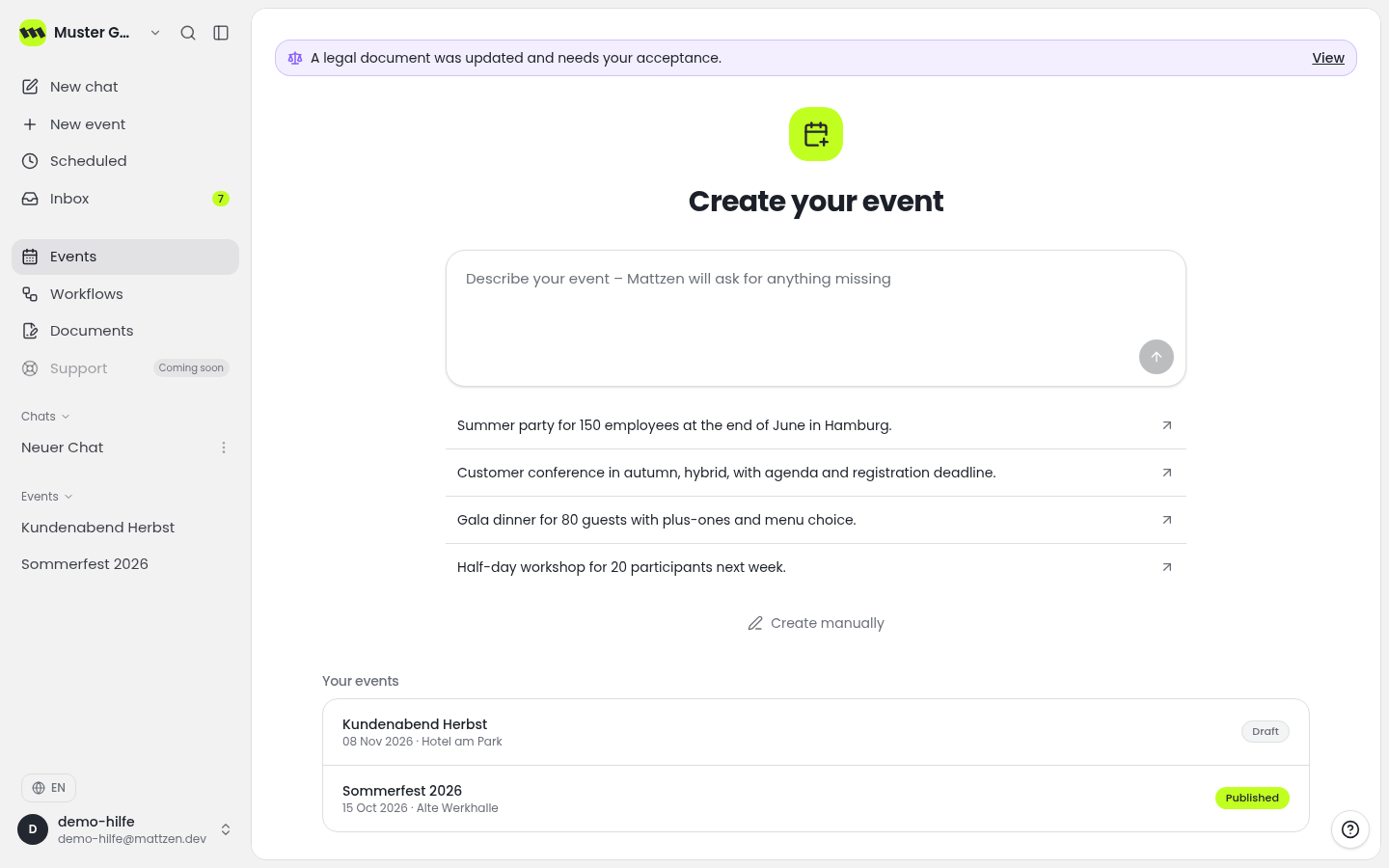
Find the event you are preparing for in the event list and open its details.
 1
1 - 4
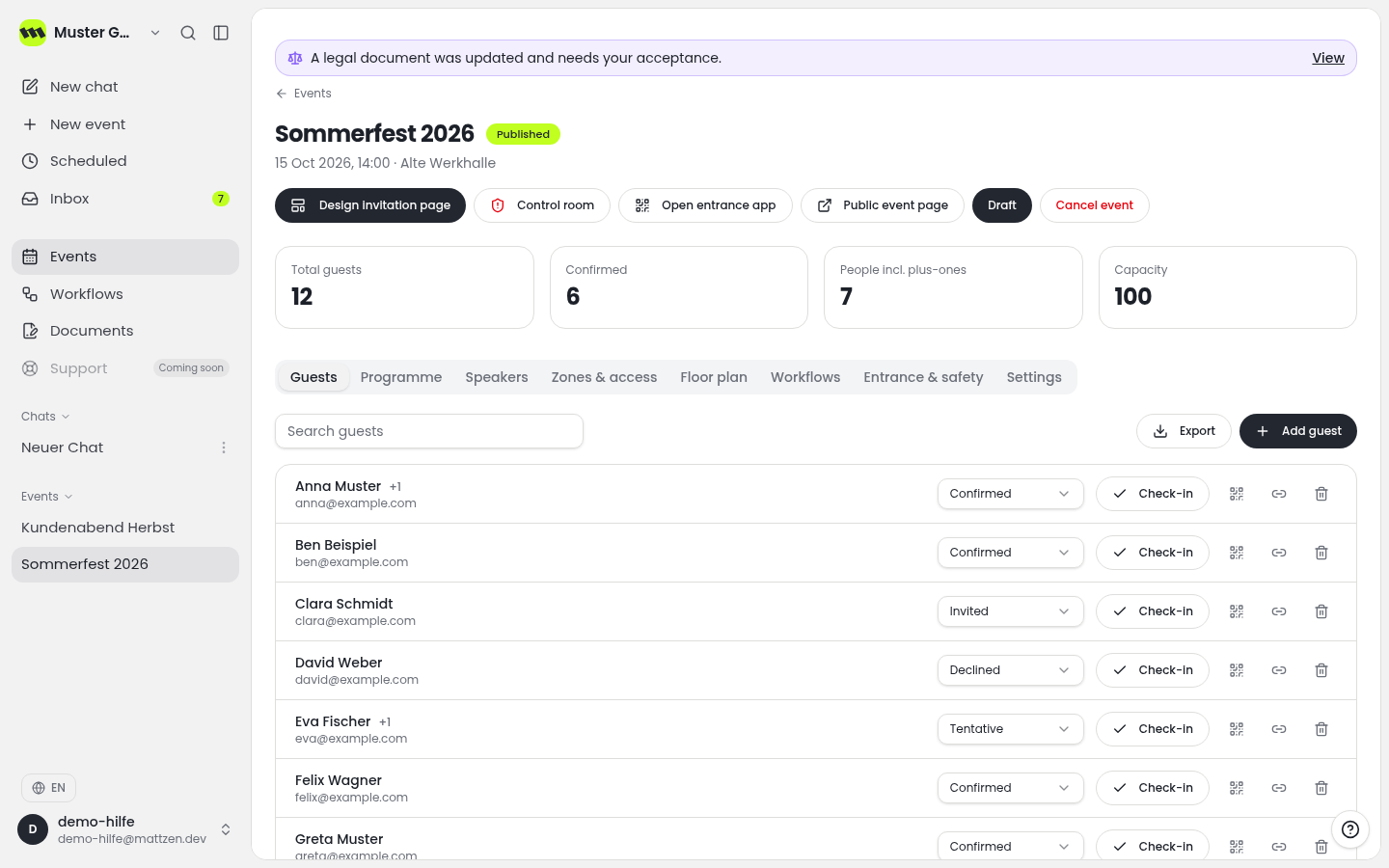
Review the event information in the detail view. Make sure your operational planning relates to the correct event.
 1
1 - 5
Discuss the process with your team: who will review alerts, message the people reporting incidents and ask follow-up questions? Who will coordinate major incidents using their case numbers and consult the case file? Also agree who will maintain the staffing plan. Follow your existing safety and emergency procedures.
Example
Result
The organisational groundwork is complete: the plan and event have been checked, and responsibilities and the handling process have been agreed. This completes the preparation, not the setup within the Emergency Control Room.
Common problems
Cause: The workspace may be on a plan below Pro.
Solution: Check the plan with your workspace admin. If the workspace already uses Pro or above, ask support to clarify availability.
Cause: Responsibilities and cover arrangements have not been clearly agreed.
Solution: Before operations begin, agree who will review alerts, communicate with those reporting incidents and coordinate major incidents. Also clarify responsibility for the staffing plan.
Tips
- Discuss a fictional case with your team before using the Emergency Control Room during a live event.
- Use the case number when discussing a major incident so that everyone is referring to the same case.
- Follow your existing emergency procedures. Do not delay a necessary call to the emergency services to handle a case in the software.
FAQ
Which plan includes the Emergency Control Room?
The Emergency Control Room is available from Pro.
What does the Emergency Control Room support?
It supports alerts, major incidents with case numbers, messages to people reporting incidents, follow-up questions, the staffing plan and the case file.
Is everything set up after these steps?
No. These steps establish the organisational prerequisites and the intended process. Work with alerts, the staffing plan and case files takes place in the Emergency Control Room.