Getting started with guest management & RSVP
Create a guest list, send invitations and keep track of acceptances and declines for your event.
- Module
- Guest management & RSVP
- From plan
- All plans
- Role
- Event organiser
- Time
- Approximately 10–15 minutes, excluding time spent waiting for responses
Before you start
- You have access to the relevant event and permission to manage guests and send invitations.
- You have the guest details, including email addresses for sending invitations.
Step by step
- 1
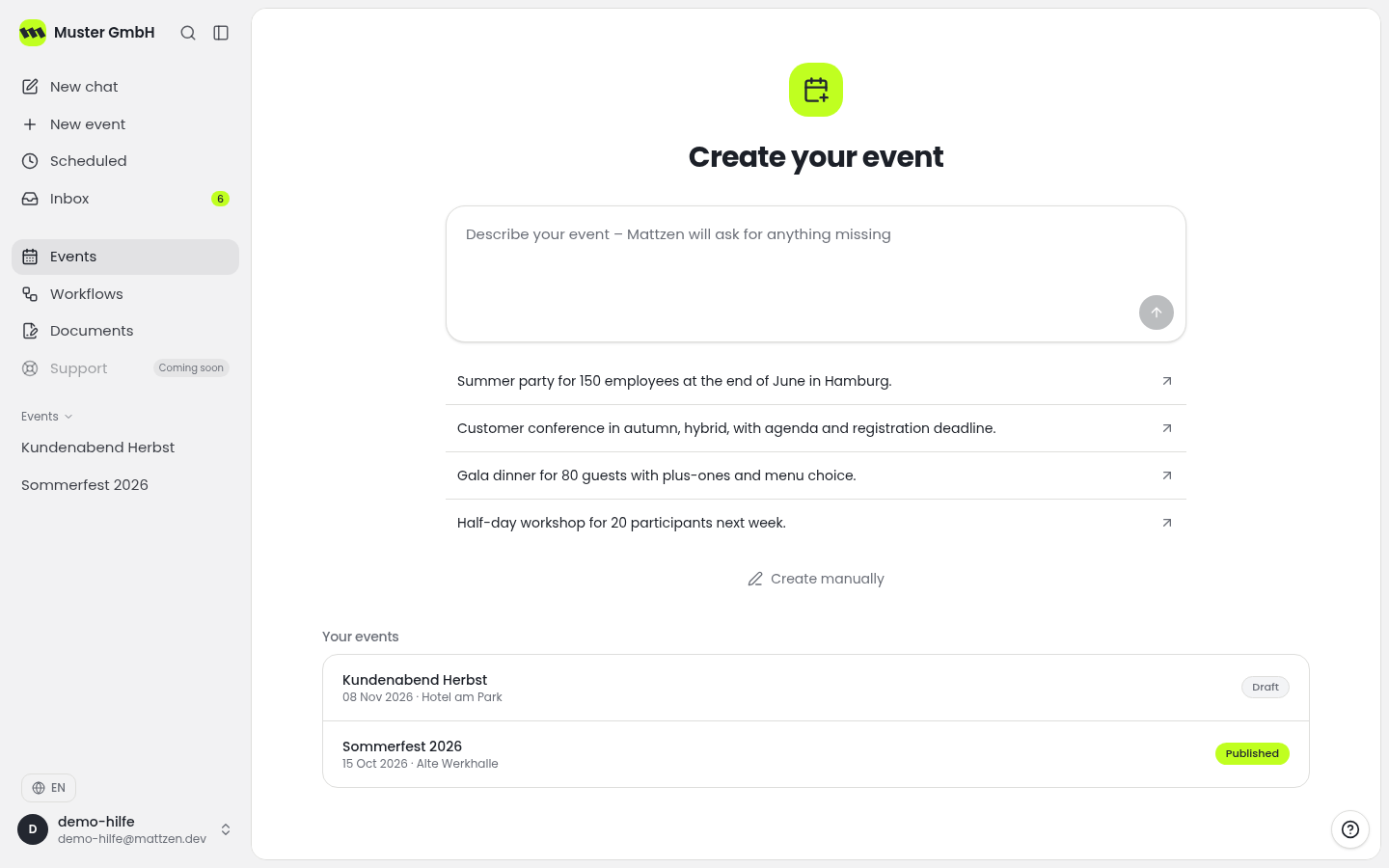
Open the relevant event and go to guest management.
- 2
Add guests to the guest list or use the import option for an existing list. Follow the requirements provided during import.
- 3
Review the guest list before sending invitations. Check names and email addresses in particular, and remove duplicate entries.
- 4
Prepare the invitation. Check that the occasion, date, venue and request for a response are clearly described.
- 5
Check which guests should receive the invitation, then send the invitations through Mattzen.
- 6
Return to guest management once the first responses arrive. Review acceptances and declines and use the current information to continue planning your event.
Example
Result
Your guest list is ready and invitations have been sent. Responses received are available to help you continue planning.
Common problems
Cause: The file or its contents may not meet the import requirements.
Solution: Compare your file with the requirements provided during import. Correct the affected data and check whether any entries have already been imported before trying again.
Cause: The email address may be incorrect, the guest may not have been included when sending, or the message may be in their spam folder.
Solution: Check the email address and whether the guest was included when sending. Ask the guest to check their spam folder before resending the invitation.
Tips
- Check your list for duplicate entries before sending to avoid multiple invitations.
- Include a clear response deadline in the invitation so you can finalise your plans in time.
FAQ
Can I use an existing guest list?
Yes. Guest management supports importing guest lists. Check the requirements for your file during import.
What does RSVP mean?
RSVP stands for ‘Répondez s’il vous plaît’, meaning ‘Please reply’. In guest management, it refers to accepting or declining an invitation.
Where can I see who has accepted or declined?
Review acceptances and declines in guest management for the relevant event.